Industrial Display Screen choices in 2026 are shaped less by novelty than by conditions on the factory floor. Brightness, viewing angle, temperature, vibration, and cleaning routines can matter more than a headline specification. That is where selection gets practical. An operator beside a sunlit loading bay may need a high-brightness LCD, while a control-room panel may prioritize clear text and reliable long-hour operation. Touch interfaces add another layer. Gloves, moisture, and frequent input change what feels usable. Small details count.
This guide compares common industrial display types, including standard TFT-LCD, sunlight-readable LCD, ruggedized displays, OLED, and touch-enabled models. It also considers panel-mount and open-frame designs, since the enclosure and installation method affect how a screen fits into a machine or cabinet. A bright display is not automatically the best one. Specifications need context: a stated temperature range, for example, does not explain how a unit performs inside a sealed enclosure. No single type wins everywhere. The right choice depends on the viewing environment, required controls, available space, expected service life, and support for replacement parts. Those details deserve as much attention as resolution. Some trade-offs are easy to miss until installation, and even a careful comparison cannot predict every site condition. The sections ahead offer a practical way to weigh those factors before choosing a display.
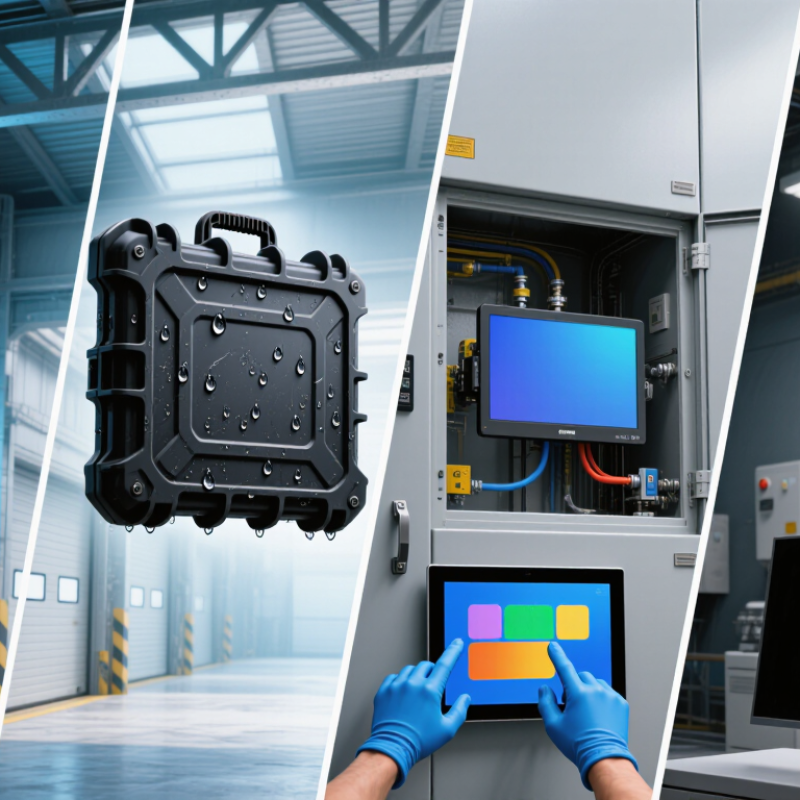
An industrial display screen is an operator-facing visual interface built to work reliably beyond a clean office. It may use LCD, OLED, or another display technology, with touch input, protective glass, and a sealed enclosure. The panel is only one part of the system. Heat, vibration, dust, glove use, viewing angle, and sunlight can all affect performance. That distinction matters. A bright screen can still fail if its connectors loosen or its touch layer ignores wet fingers.
Core requirements depend on the installation. Check operating temperature, luminance, contrast, viewing distance, touch response, and expected service life. Use IEC 60529 ingress-protection ratings to specify resistance to dust and water; confirm the actual enclosure rating, not just the panel’s. Allied Market Research estimated the industrial display market at $5.2 billion in 2022, with a projected $8.7 billion by 2032. That growth signals demand, but market size does not prove a screen suits a particular machine. Still, specifications can look neat on paper and disappoint on a hot factory floor.
Tips: Test a sample at the real viewing angle and ambient light. Try the intended gloves, too. Note what you cannot verify.
| Screen type | Defining technology or feature | Key strengths | Core requirements to assess | Typical applications |
|---|---|---|---|---|
| Industrial TFT LCD | Active-matrix liquid-crystal display with LED backlighting; commonly offered with different panel sizes, resolutions, and interfaces. | Mature technology, broad availability, detailed color graphics, and a wide range of form factors. | Check operating and storage temperatures, brightness, viewing angle, interface compatibility, backlight life, mounting, and expected service life. | Control panels, test equipment, machine interfaces, and embedded instrumentation. |
| Sunlight-readable LCD | LCD configured for bright ambient light, often using a stronger backlight, anti-reflective surface treatment, optical bonding, or a combination of these. | Improved legibility outdoors or near windows; optical bonding can reduce internal reflections and help prevent condensation in the display stack. | Evaluate measured luminance in cd/m², reflected-light performance, viewing angle, heat dissipation, power draw, and readability with the intended cover glass. | Outdoor kiosks, transport equipment, field instruments, and machinery used in high ambient light. |
| Ruggedized industrial display | A display assembly designed for demanding environments; ruggedization may include a reinforced enclosure, sealed front, shock-resistant mounting, or protective cover lens. | Can provide better protection against environmental and mechanical stress when the complete assembly is appropriately specified. | Verify the rated temperature range, ingress-protection rating for the assembled unit, vibration and shock test conditions, connector sealing, and installation method. | Factory floors, vehicles, marine equipment, and outdoor industrial systems. |
| Projected capacitive touch display | Touch layer senses changes in capacitance; typically supports multi-touch and a smooth glass front. | Responsive operation and clear, easy-to-clean front surfaces; suitable for gesture-based interfaces. | Test operation with gloves, moisture, intended cover-glass thickness, electromagnetic interference, and the required touch-controller interface. | Modern HMIs, access terminals, medical equipment, and kiosks. |
| Resistive touch display | Touch is detected when flexible conductive layers make contact under pressure; operation generally does not depend on the user's skin conductivity. | Can be operated with many gloves or a stylus and can suit interfaces requiring deliberate, point-based input. | Assess touch-layer durability, optical clarity, calibration needs, expected input method, and resistance to cleaning agents or surface wear. | Legacy control systems, process equipment, and interfaces used with gloves or a stylus. |
| OLED industrial display | Organic light-emitting pixels produce their own light, so a separate LCD backlight is not required. | High contrast, deep blacks, and thin panel construction. | Review operating temperature, brightness needs, expected operating hours, static-image exposure, and the supplier's life and burn-in specifications. | Compact instruments, specialist equipment, and applications where contrast or a thin profile is important. |
| E-paper / electrophoretic display | Reflective display technology that changes the position of charged pigment particles; many implementations retain an image with little or no display-refresh power. | Readable in ambient light and well suited to content that changes infrequently. | Check update speed, supported colors, refresh behavior, temperature limits, and whether the content needs frequent animation or video. | Equipment labels, shelf or asset information, and low-power status displays. |
| Industrial LED display | Direct-view LED modules form larger displays from an array of light-emitting diodes. | Scalable screen area and strong visibility at a distance; suitable for large-format messaging. | Consider pixel pitch and viewing distance, brightness control, thermal management, power distribution, service access, and environmental protection. | Production-floor dashboards, facility signage, and control-room or site-wide information boards. |
Specifications vary by panel and complete display assembly. Confirm test conditions and application requirements before selecting a screen.



All Rights Reserved. EI Robotica 2023.